No-Code Native App Builder
SNAP FLO
Turn ideas into
mobile apps,
in the palm
of your hand
SnapFlo is the no-code way to build real native apps — directly on your device.
Create apps and see them run live as you build. Use AI to accelerate, or build entirely your way.
Bring your ideas to life, anytime, anywhere.
Build apps where they run
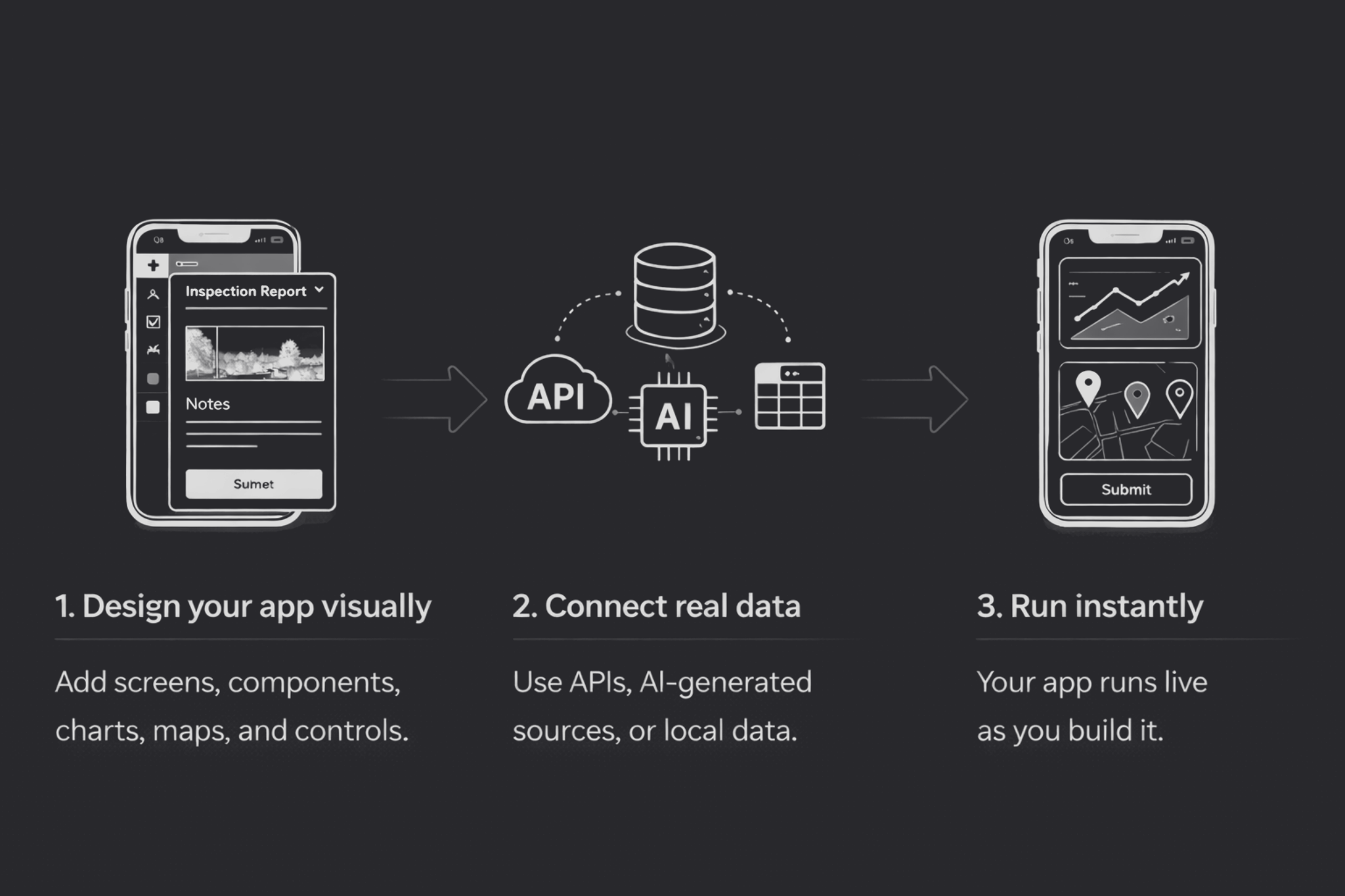
SnapFlo lets you design your mobile app and see it running instantly — on the same device.
Every change updates the live app immediately.
There’s no compile step, no preview mode, and no deployment cycle.
Just build, test and refine — all in real time.
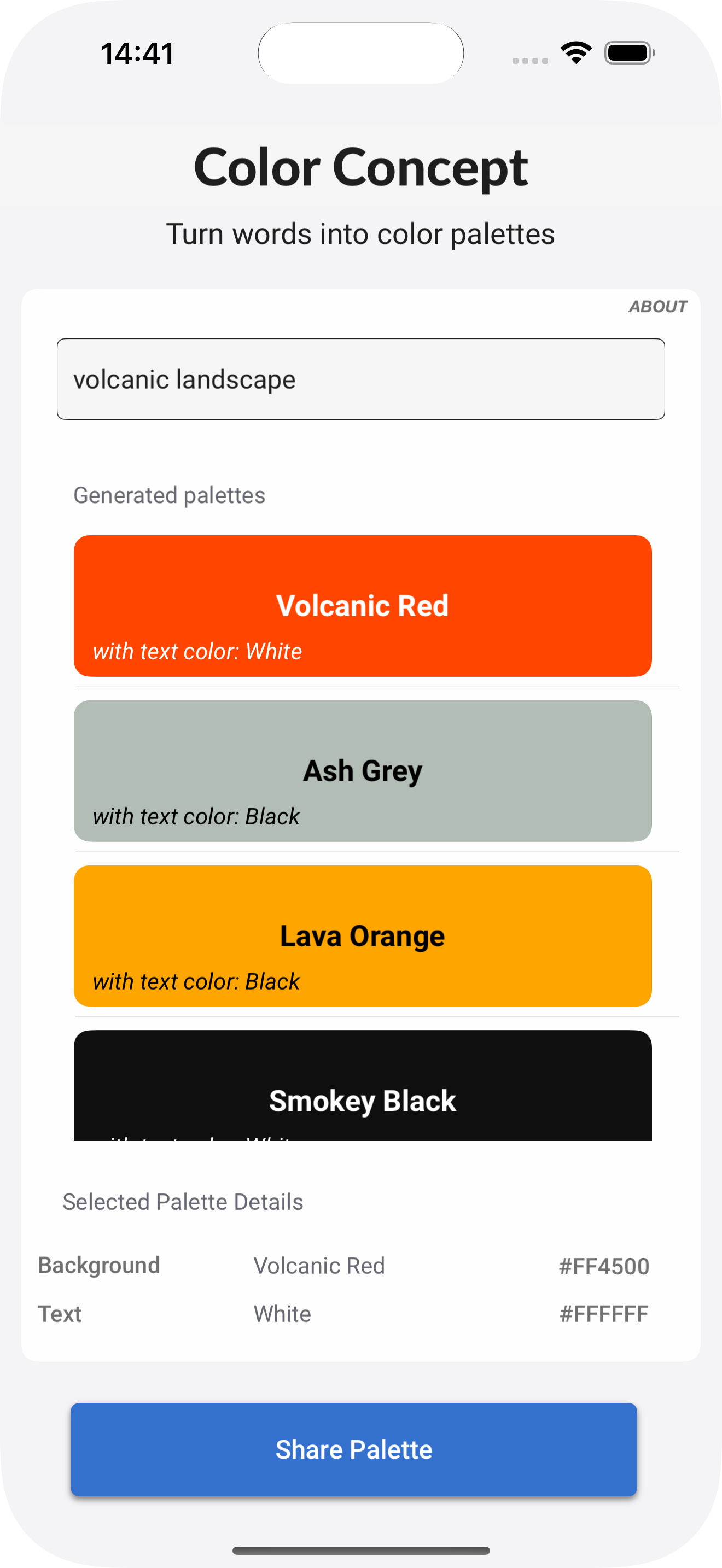
What can you build with SnapFlo?
SnapFlo is built for practical mobile apps that connect live data, support real workflows, and help people do real work. The possibilities are unlimited — here are a few examples:
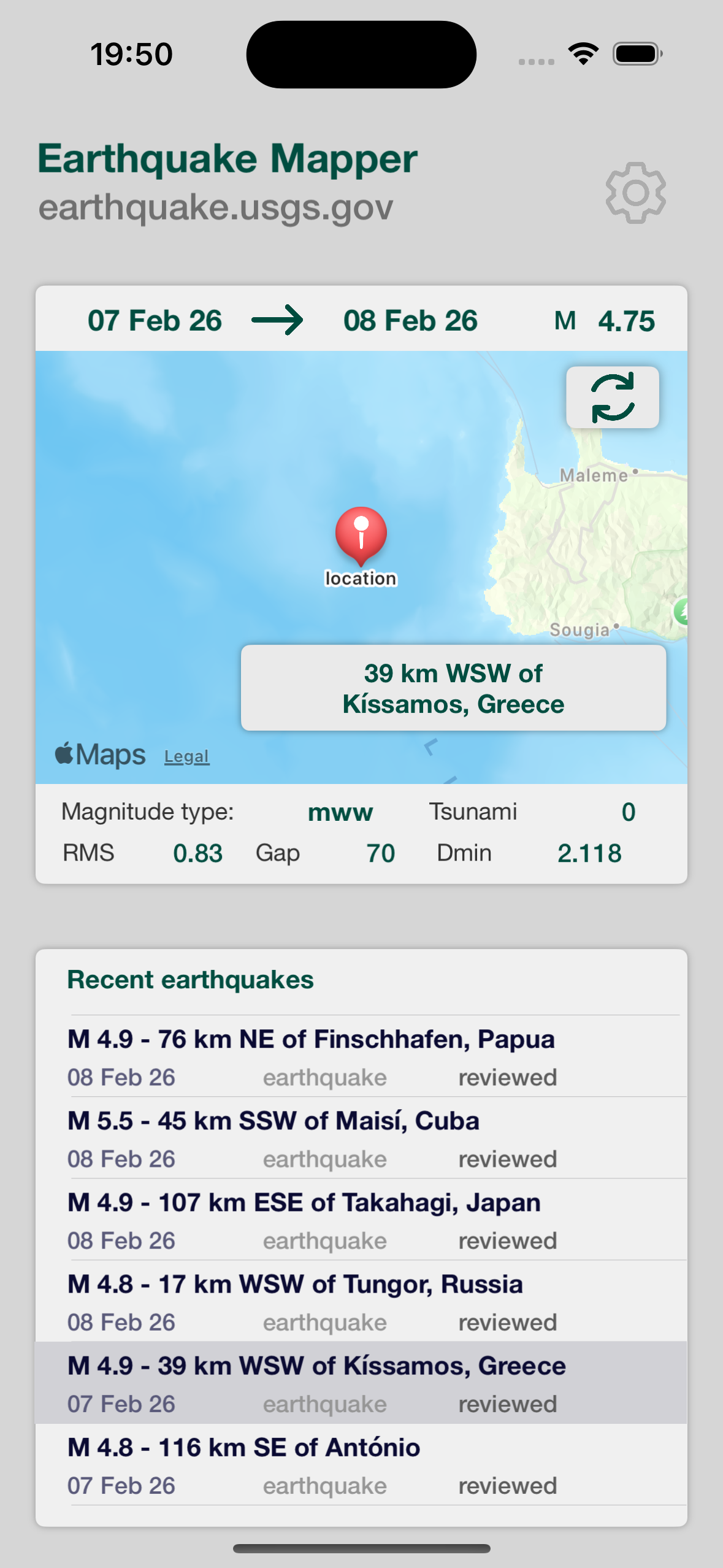
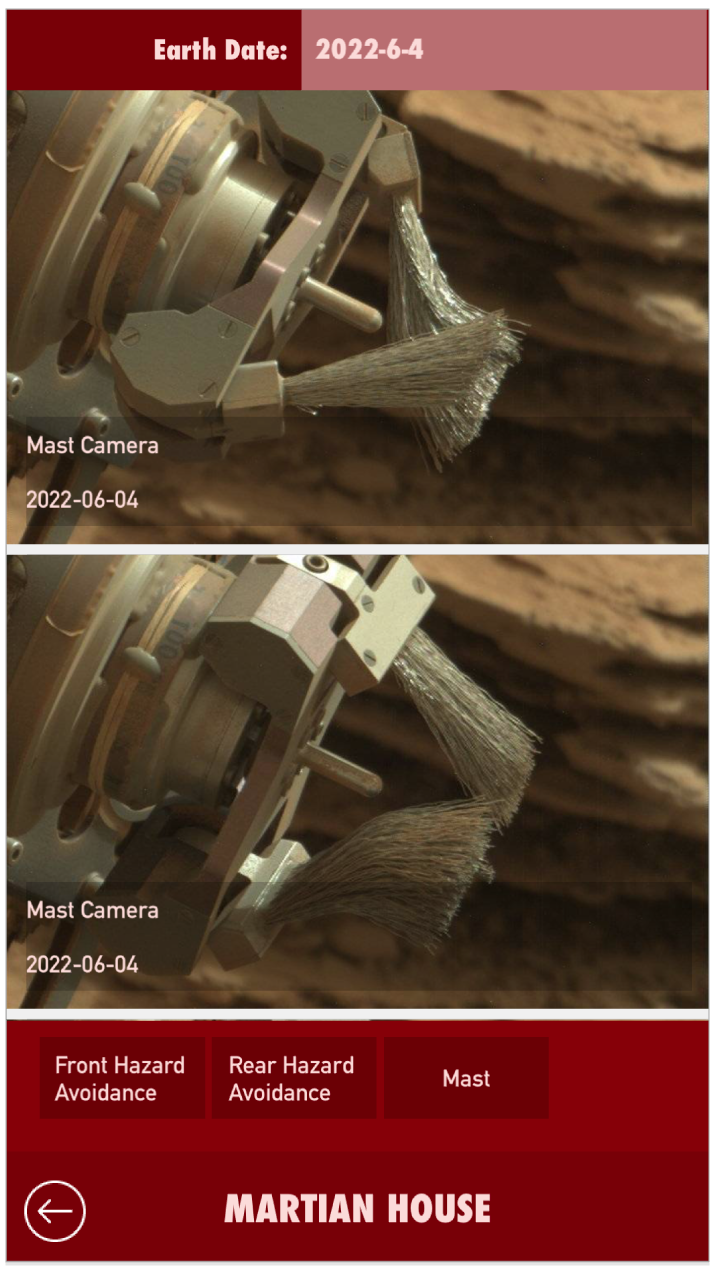
Scientific Data Navigation
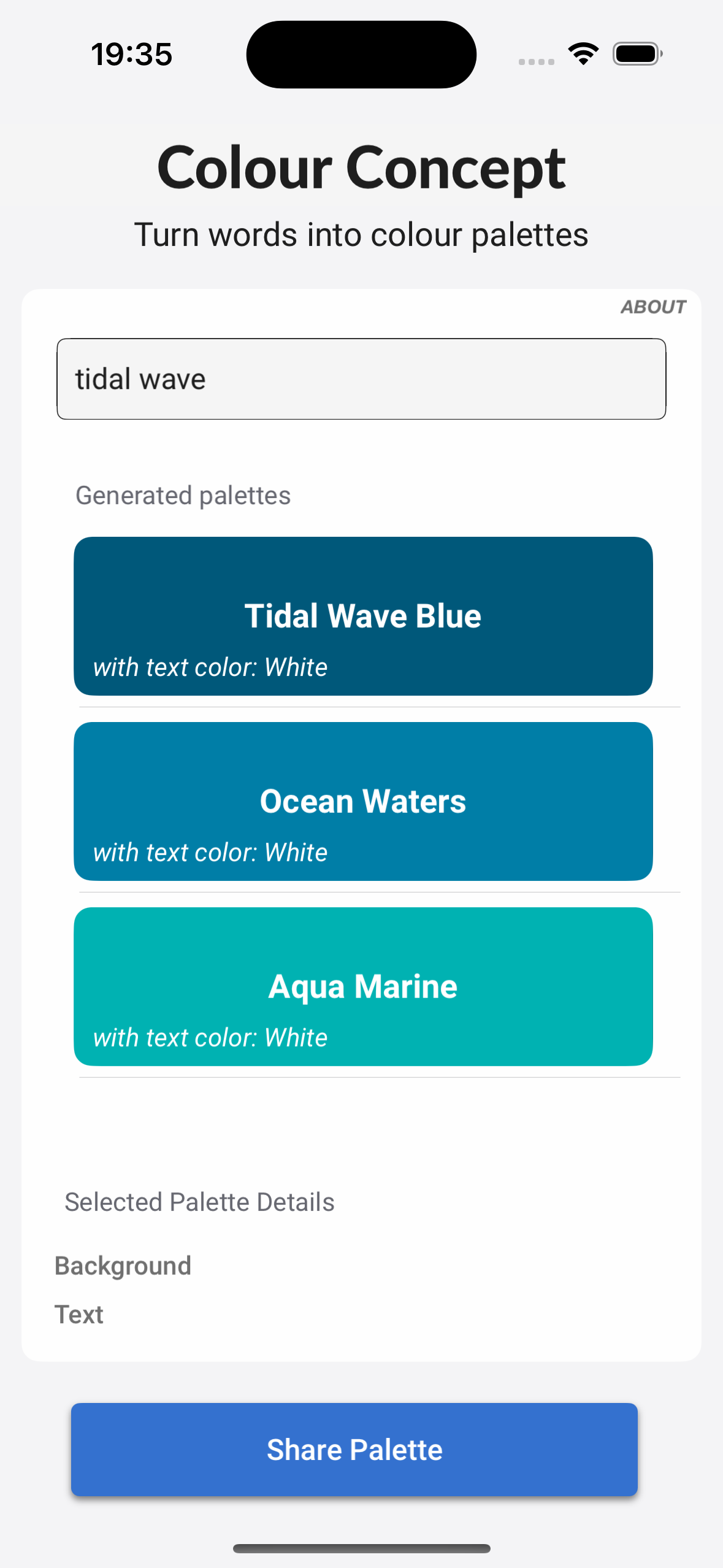
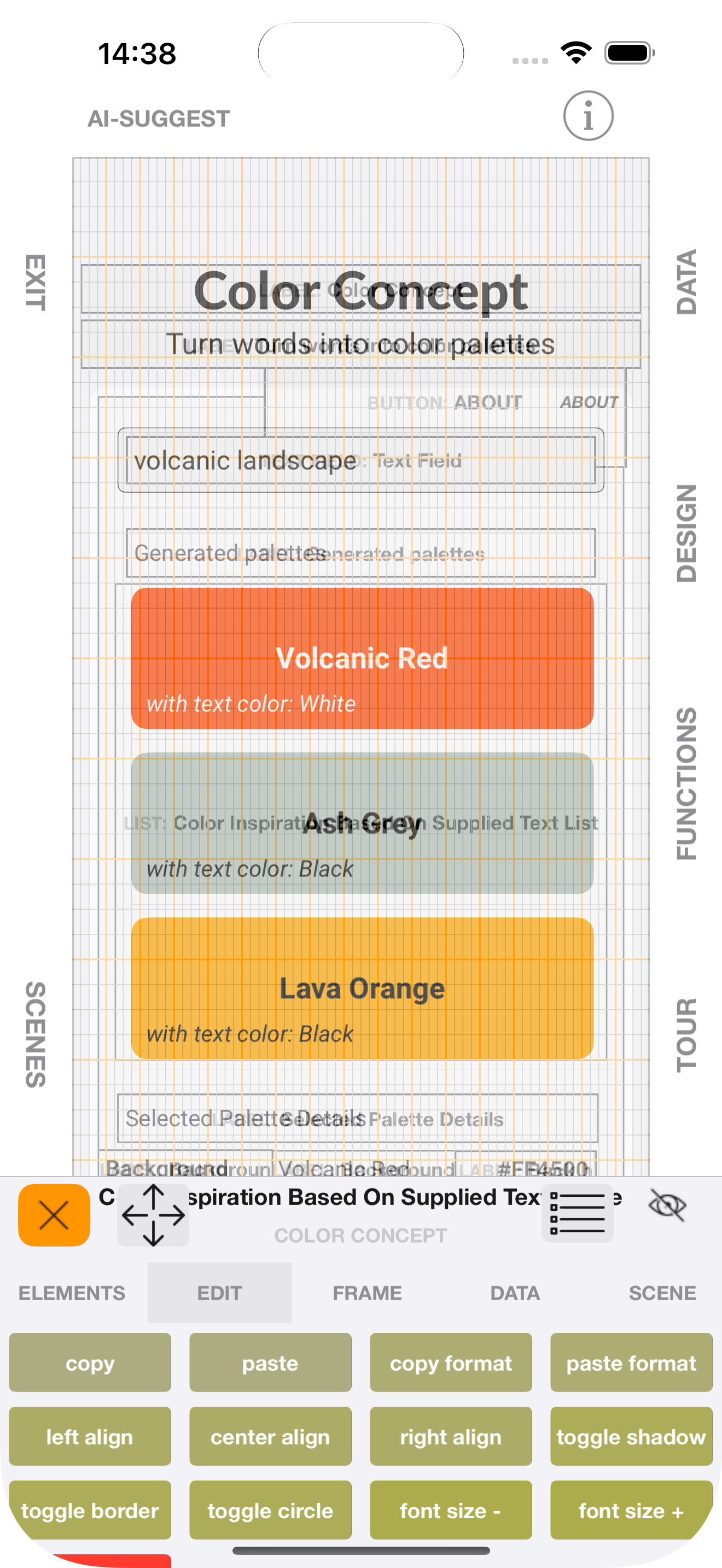
AI-Assisted Colour Exploration
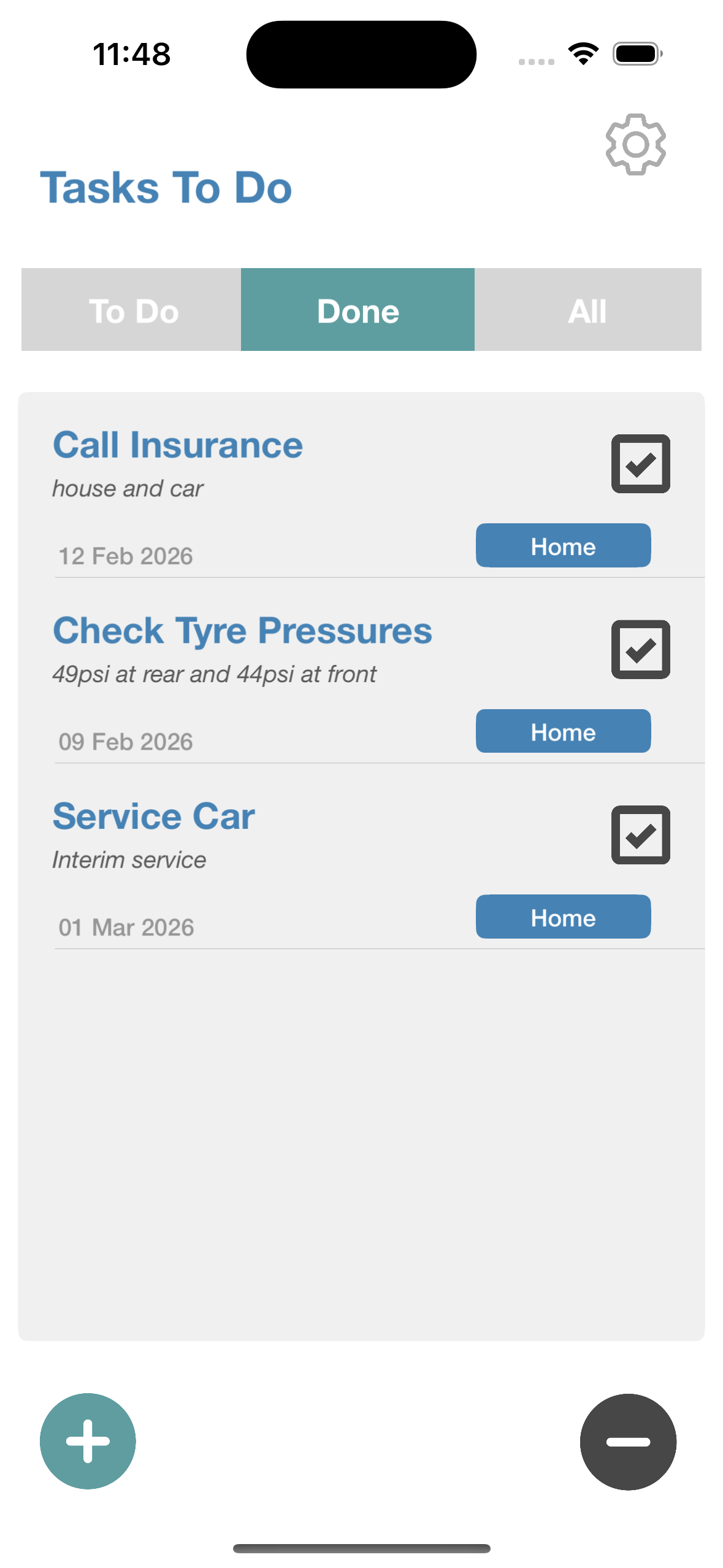
Data Tracking & Storage

Process Digitisation
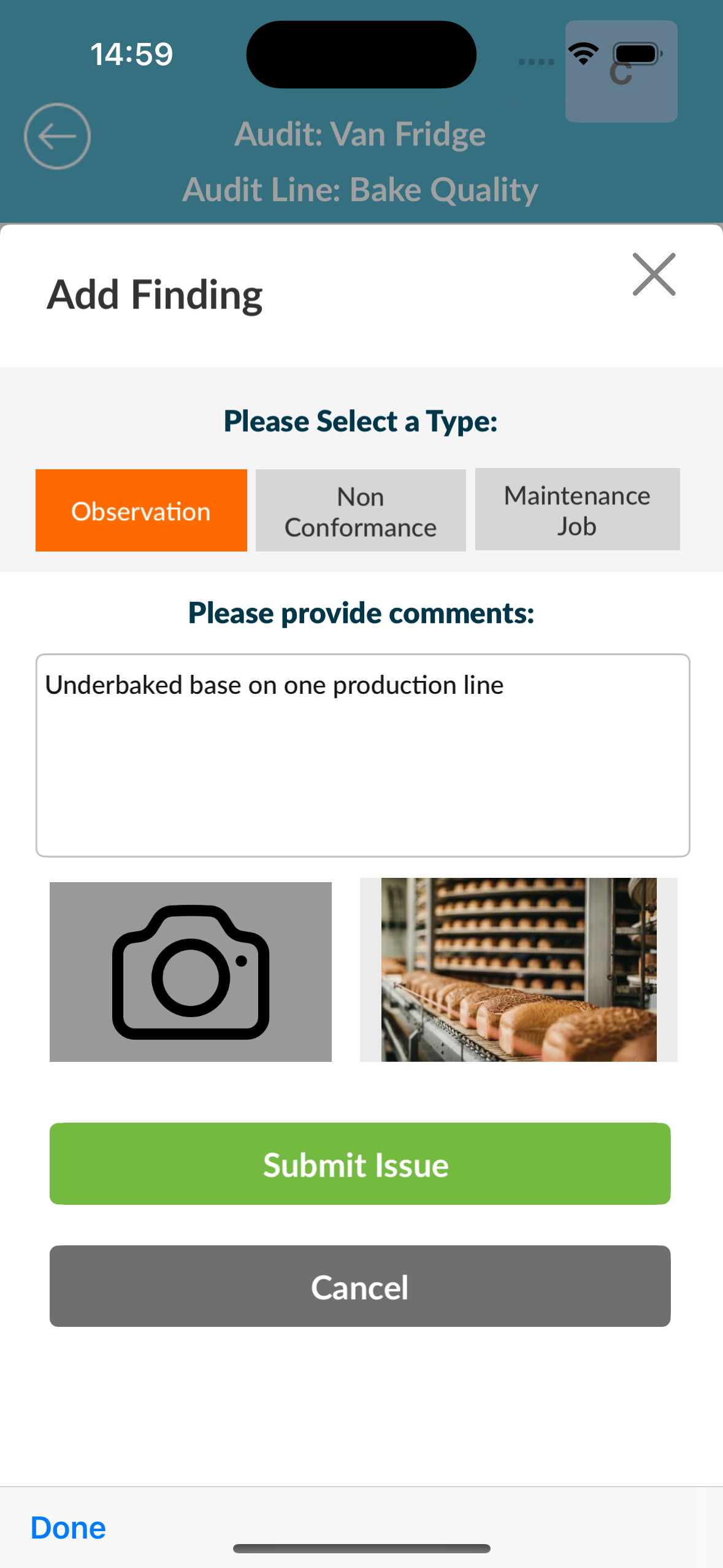
Process Digitisation
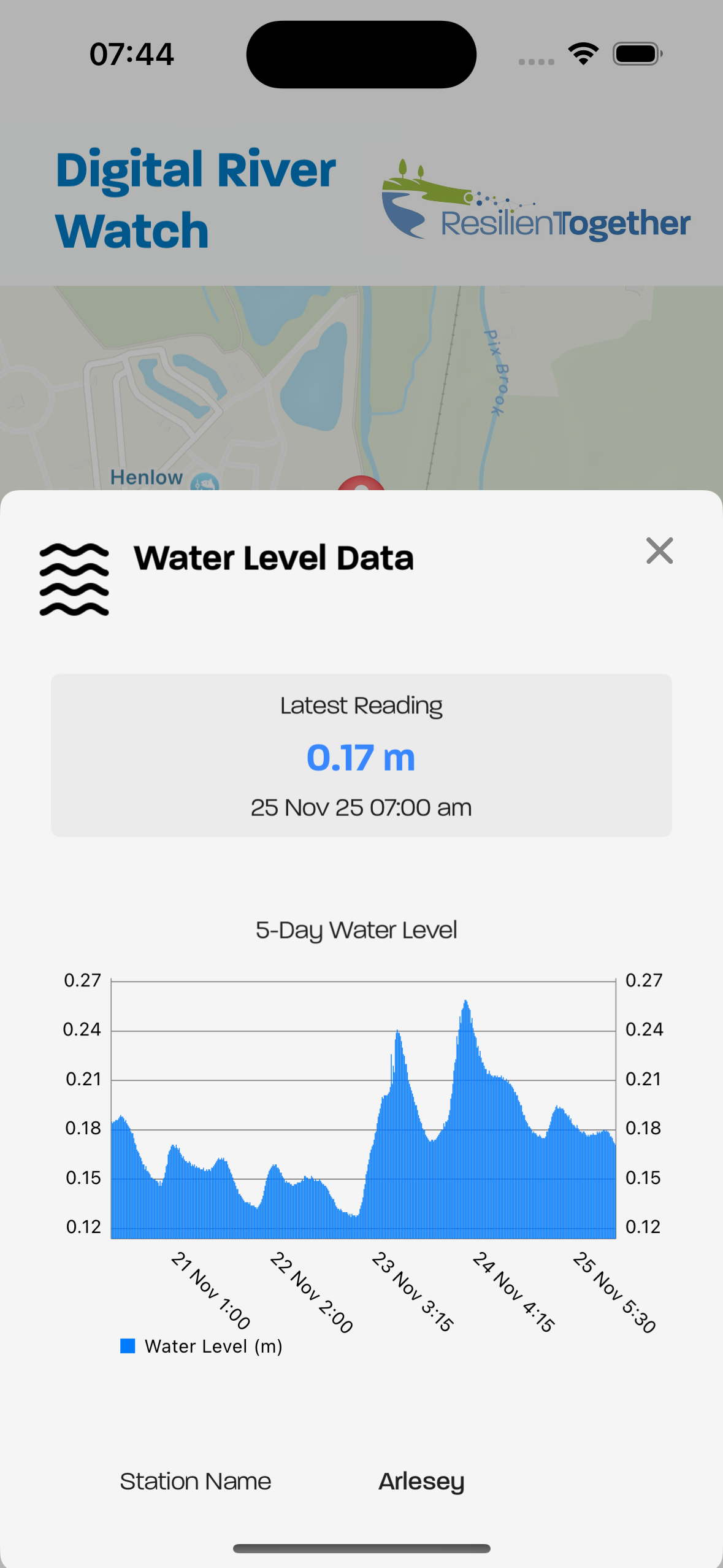
Climate Analysis and Reporting

Dashboards
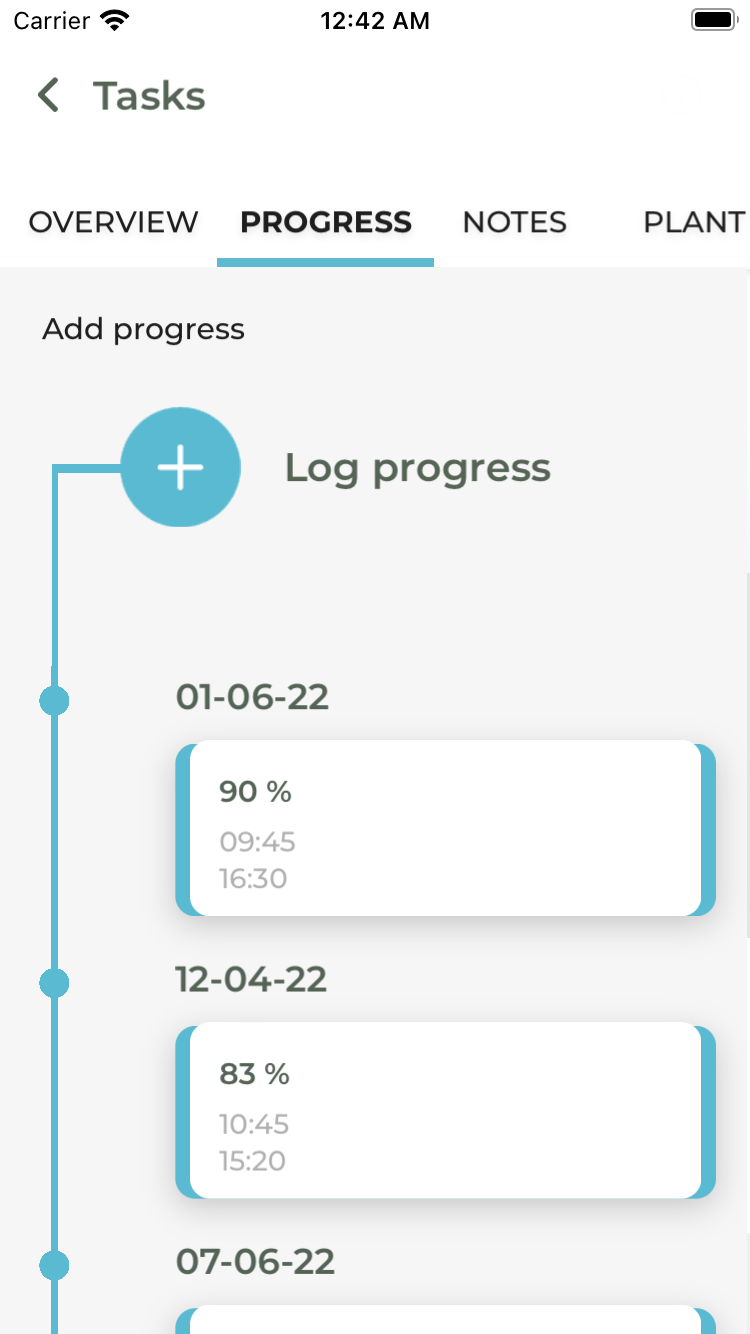
Data Tracking & Upload
How SnapFlo Works
Key Features

Live Editing & Rapid Iteration
Edit layouts and behaviour in real time:
See changes instantly on device
No rebuilds. No waiting.
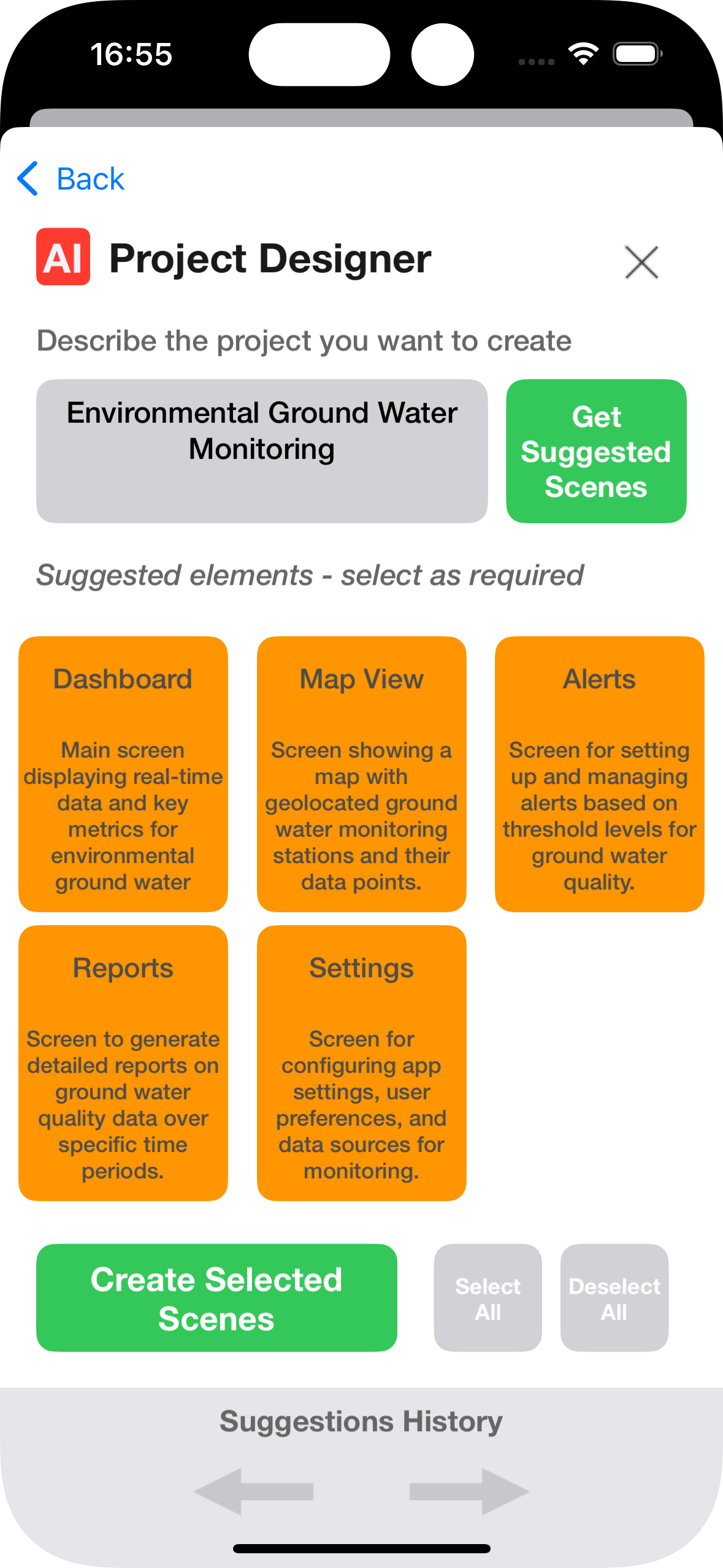
AI Build Assist
Generate scenes and layouts instantly.
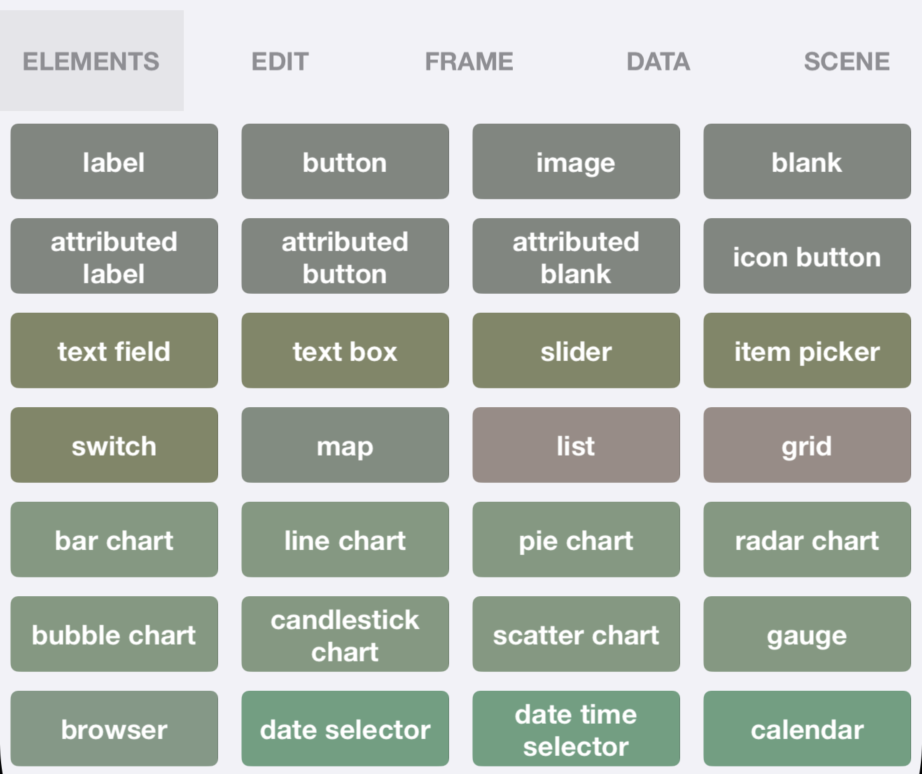
Rich Native UI Components
Build clean, responsive interfaces using a growing library of native elements.
All components are optimised for mobile performance.
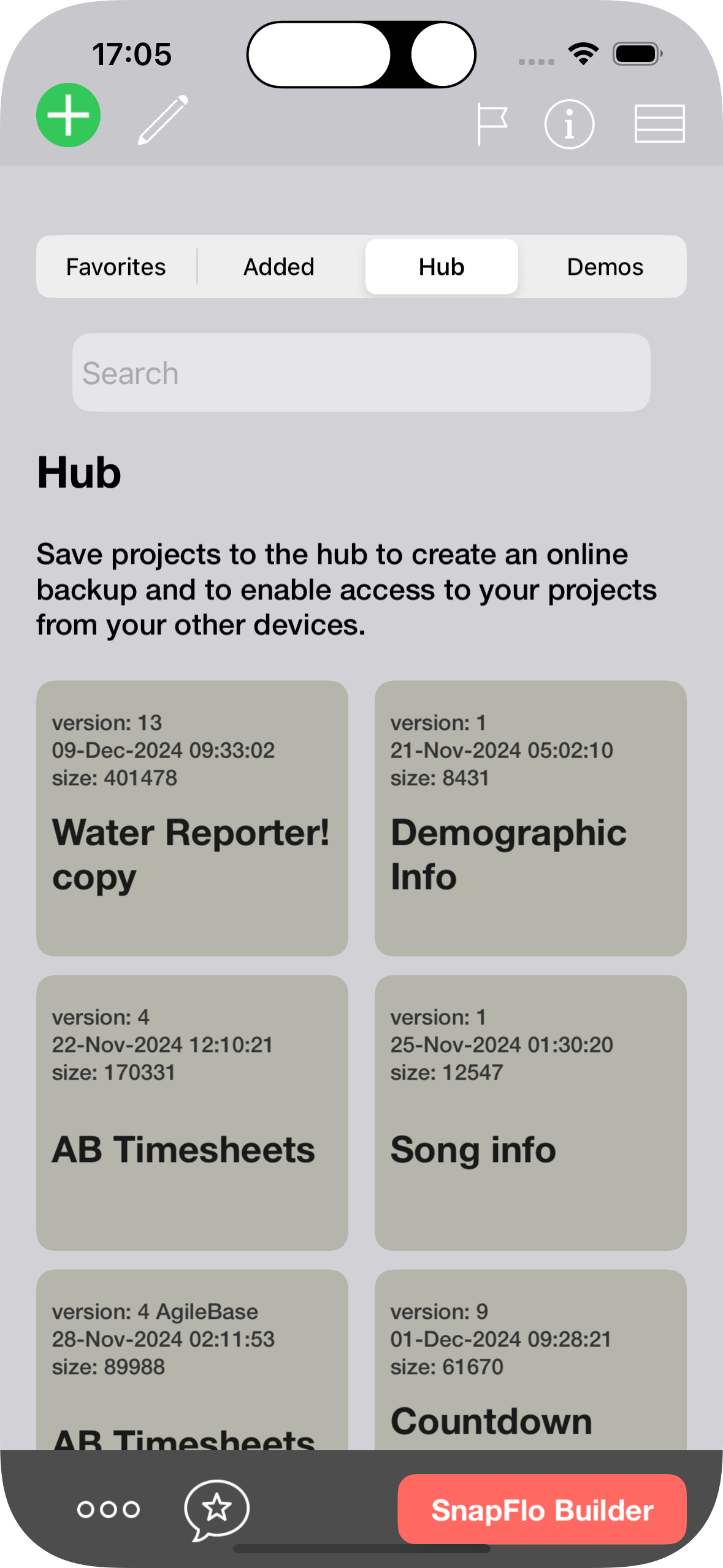
Hub Storage
Secure cloud project backup.
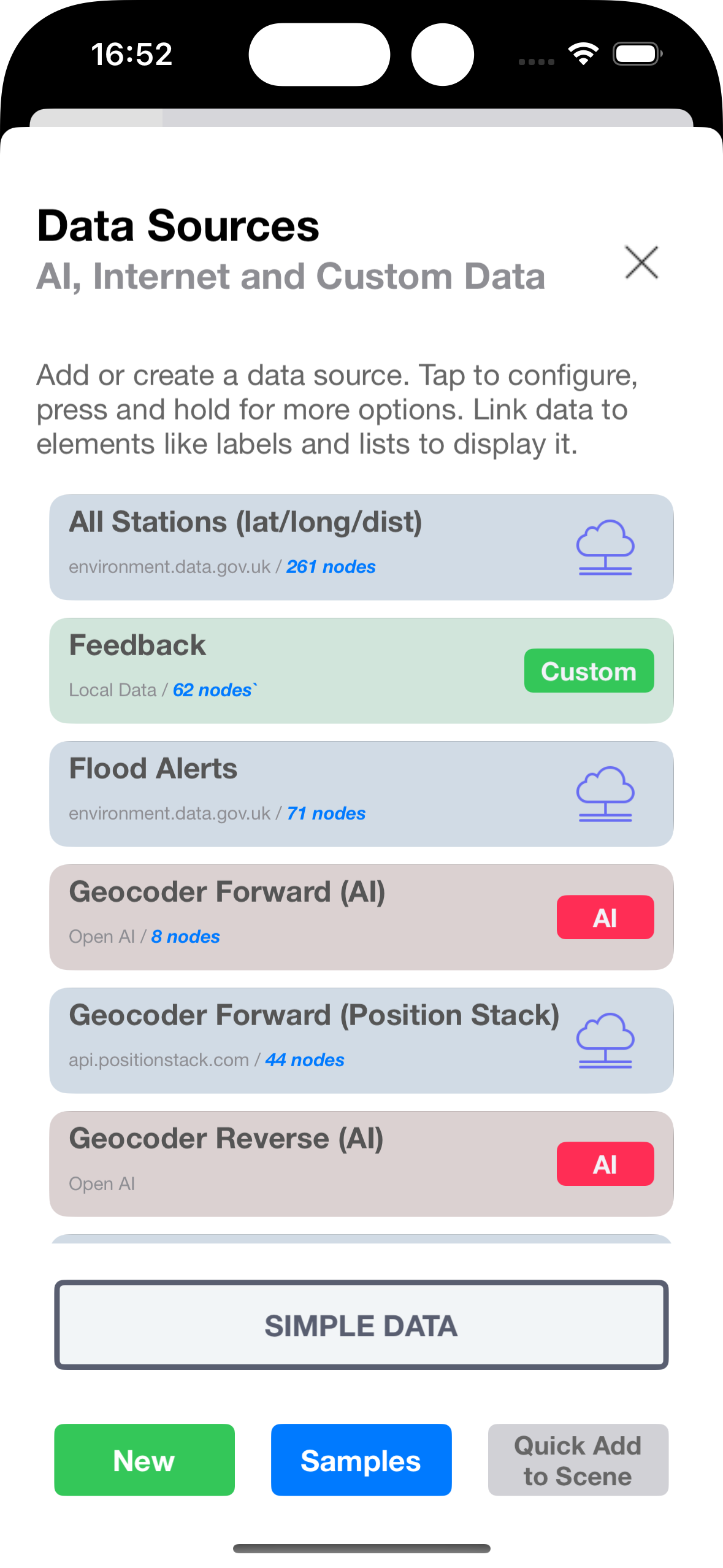
Flexible Data Sources
Work with data your way:
Connect to live internet APIs
Generate data sources with AI
Use local storage (cloud sync coming)
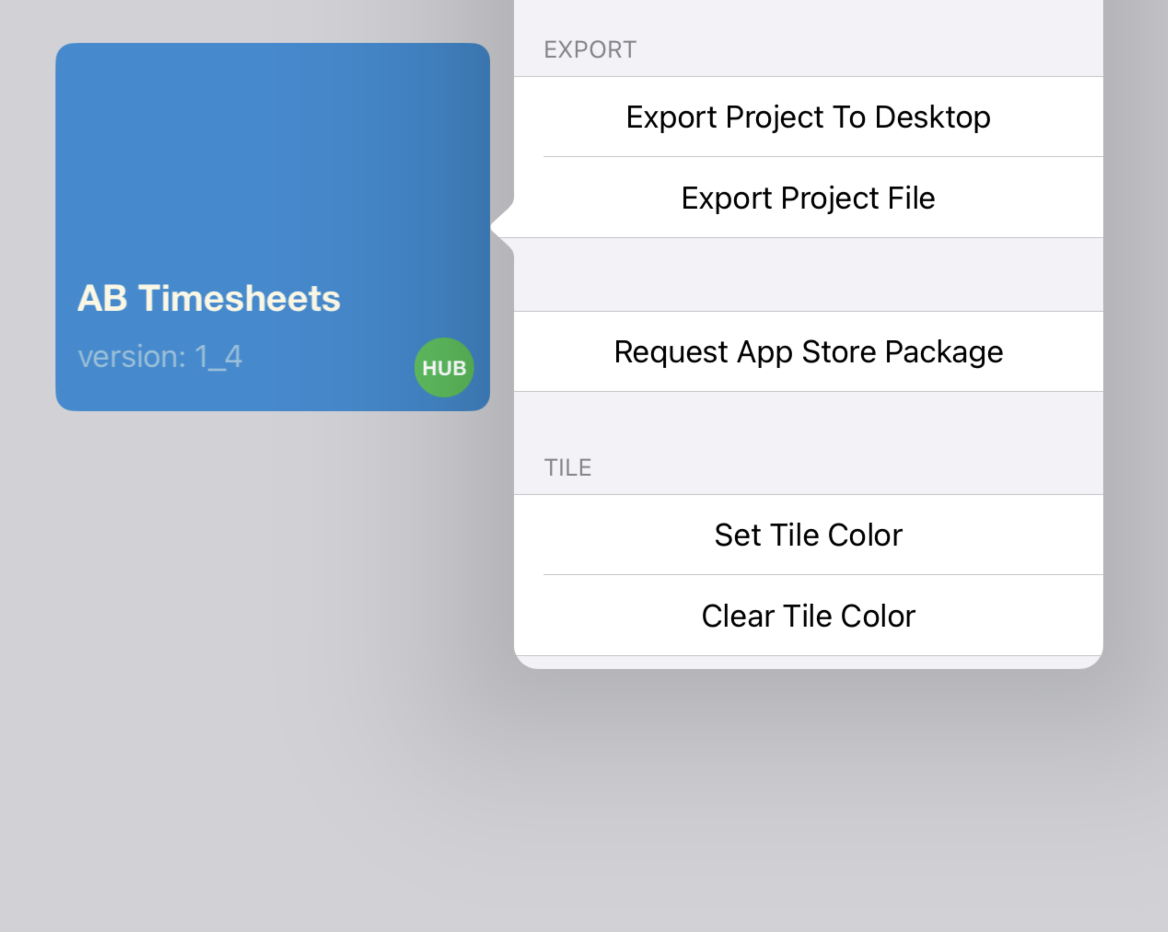
Project Export (coming soon)
Export apps for submission to Apple App Store and Google Play Store.
Why SnapFlo is different
Most no-code tools build simple web apps.
SnapFlo is designed for real mobile workflows.
Native mobile apps
Build real apps for phones and tablets
Live Runtime Building
Your app runs as you build it

AI Assist - With Control
Use AI without losing understanding
Real Data Integration
Connect APIs, AI, and live data
Traditional No Code Tools
Web Apps
Preview builds
AI generates blindly
Static data
SnapFlo
Native mobile apps

Live runtime apps
AI with human control
Live data integrations
Who SnapFlo Is For
FOUNDERS
Test mobile app ideas quickly
CONSULTANTS
Build tools for clients
PRODUCT TEAMS
Prototype mobile workflows
OPERATORS
Create internal mobile tools
Pricing
Start building for free.
SnapFlo offers flexible tiers depending on how far you want to take your apps — from experimentation through to professional development.
App Projects
Scenes per App
Visual Elements
Icons
Templates
AI Build Assist
AI Usage
AI Sample Data
Live Data Connections
AI Data Sources
Custom Data Sources
STARTER
3
3
Starter Set
2 Sets
One Time 50K Tokens
1/app
1/app
1/app
CREATOR
10
20
Core Set
Core Sets
250K Tokens*/Month
10/app
10/app
10/app
$9.99/month
BUILDER
Unlimited
Unlimited
Extended Set
All Sets
500K Tokens*/Month
Unlimited
Unlimited
Unlimited
$19.99/month
x* AI Build Assist operation (request/response) uses ~ 1000 tokens
x* AI Data query (request/response) uses ~ 1000 tokens (single record) or upwards (multiple records)
Contact us for additional pro options
Stop waiting for developers
Start building your app today
Start building with SnapFlo
What You Can Do Today
Build apps that are immediately useful
Apps built with S-Flo aren’t mockups or wireframes — they run natively on your device:
• Use them as personal or professional tools
• Share internally with colleagues or students
• Validate ideas before wider rollout
No App Store submission required to start getting value.
Turn live data into working mobile apps
Connect to remote APIs or data endpoints and instantly transform raw data into interactive experiences:
Charts, graphs, and gauges
Maps and geo-based visualisation
Lists, grids, and filtered views
Live updates and refresh controls
Example: Visualise live earthquake data from public scientific APIs in a native mobile app — without writing code.
Design faster with AI build assist
S-Flo’s AI helps you move from idea to working app quickly:
Scene and layout suggestions
Element and component recommendations
Faster iteration with less trial and error
You stay in control — AI simply removes friction.
Pricing
With SnapFlo, you can effortlessly create workflows, experiment with ideas, share concepts, and transform them into fully functional apps.
SnapFlo isn't just a tool – it's a revolution for creators, coders, and educators alike. Whether you have a brilliant concept brewing, seek to enhance productivity, or dream of turning your ideas into lucrative apps, SnapFlo is your go-to solution.

It all begins with an idea. Maybe you want to launch a business. Maybe you want to turn a hobby into something more.

Describe your idea
Simply type in your idea and SnapFlo will propose the screens (‘scenes’) for your app

Add the suggested scenes
Select and add the recommended scenes as desired - or add further of your own

Describe your data source
What do you want your app to display? Describe the data type and any aspects that you want to be dynamically entered by the user.
For example you might want the data type to be ‘Song’ and the dynamic aspects to be ‘Genre’ and ‘Era’.
Let AI suggest the information types to be returned or specify this yourself. For example you may want to have the Song Title, Composer, Key and Year returned.

Add the data source to the scene
Add the data source to any scene with a simple single touch.
Try out!
Develop your sketches into real apps with SnapFlo's drag-and-drop interface. Design and link screens using any iOS device. Get AI inspiration along the way!
Edit, Adjust, Update as Desired
Develop your sketches into real apps with SnapFlo's drag-and-drop interface. Design and link screens using any iOS device. Get AI inspiration along the way!

Use your workflow!
Take a minute to write an introduction that is short, sweet, and to the point. If you sell something, use this space to describe it in detail and tell us why we should make a purchase. Tap into your creativity. You’ve got this.


Possibilities limited only by your imagination (extended further by AI)
SnapFlo in Action

-
![]()
Dream it.
-
![]()
Build it.
-
![]()
Sell it.
-
![]()
Grow it.
-
![]()
Martian House
-
![]()
Dashboard
-
![]()
Art House